Get started
Create an Android App Project in Android Studio.
Follow these steps to create a new Android app project in Android Studio with an Empty Activity.
-
Open Android Studio and start a new project:
- Select Empty Activity and then click the Next button.
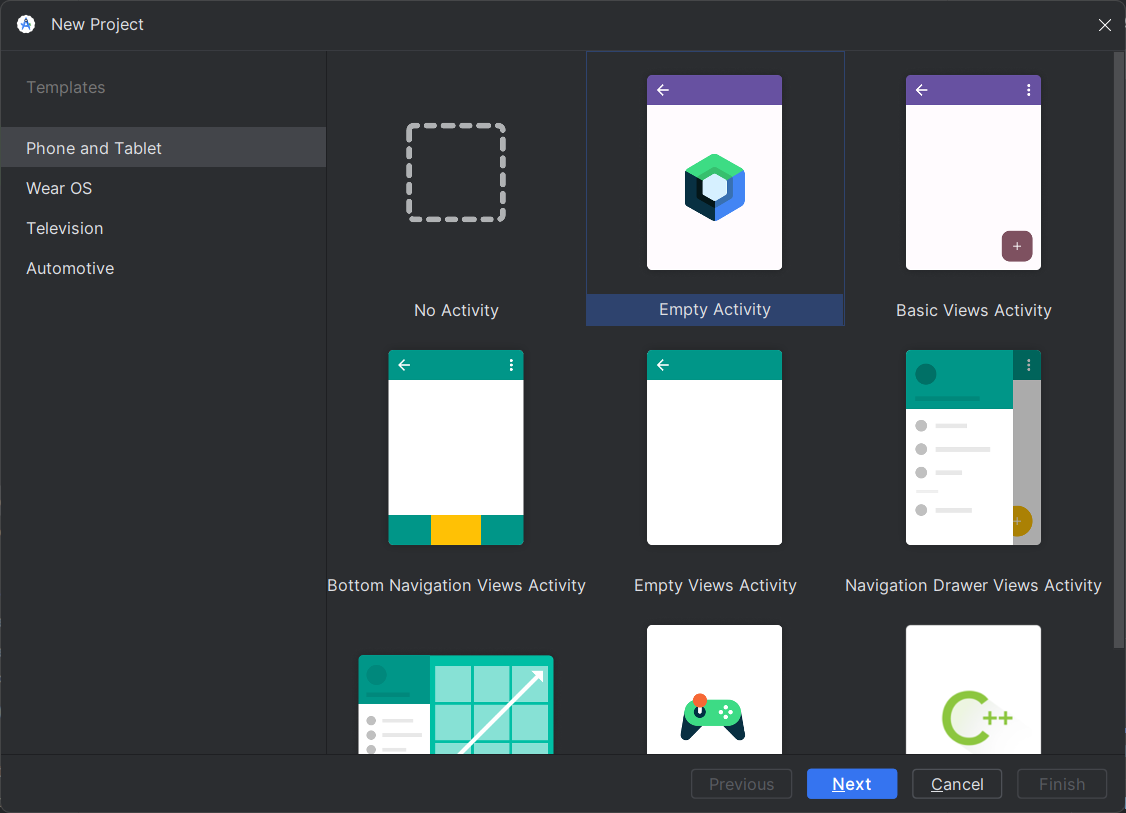
- Select Empty Activity and then click the Next button.
-
Configure your new project:
- Enter the name of your application. For this tutorial, we will name it MyContactApplication.
- Ensure the Minimum SDK is set to API 24 (Nougat - Android 7.0).
- Click the Finish button to create the project.
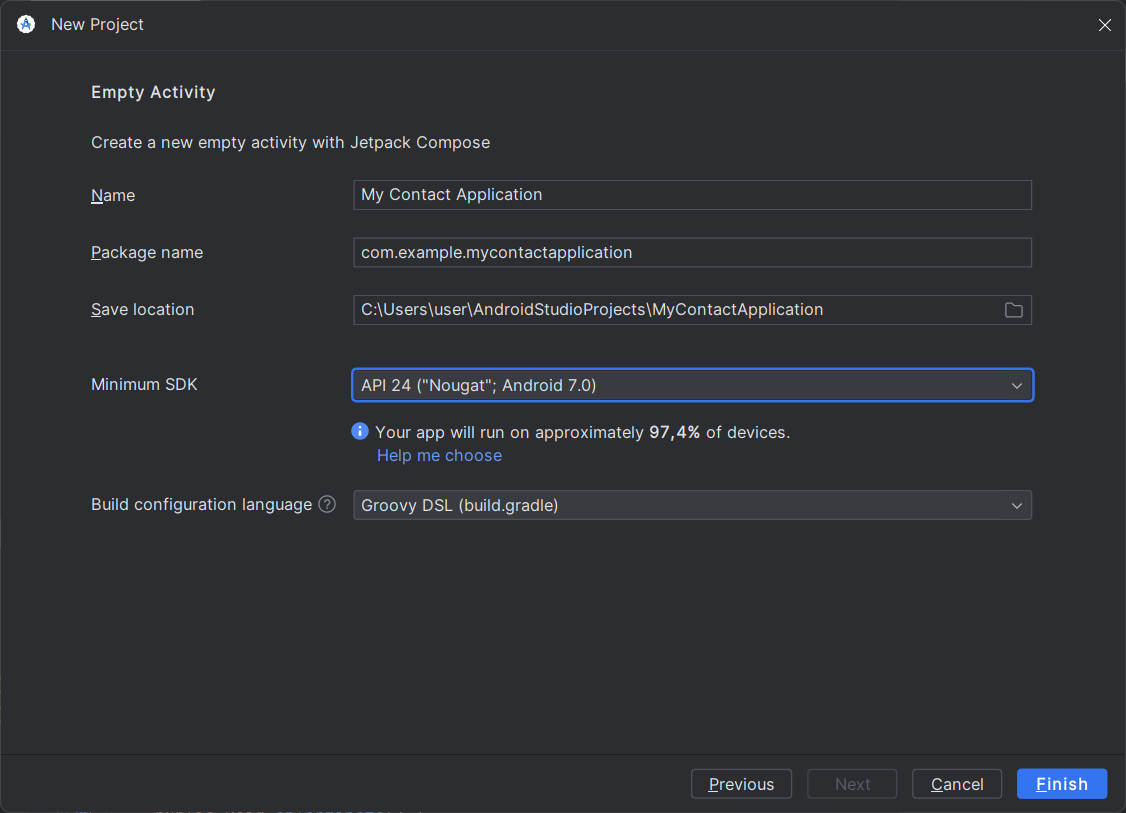
Congratulations! You have successfully created your Android Studio project.
Proceed to the next step: Setting Up Dependencies.